Smart Video Phone 2026: The Future of Desk Calls
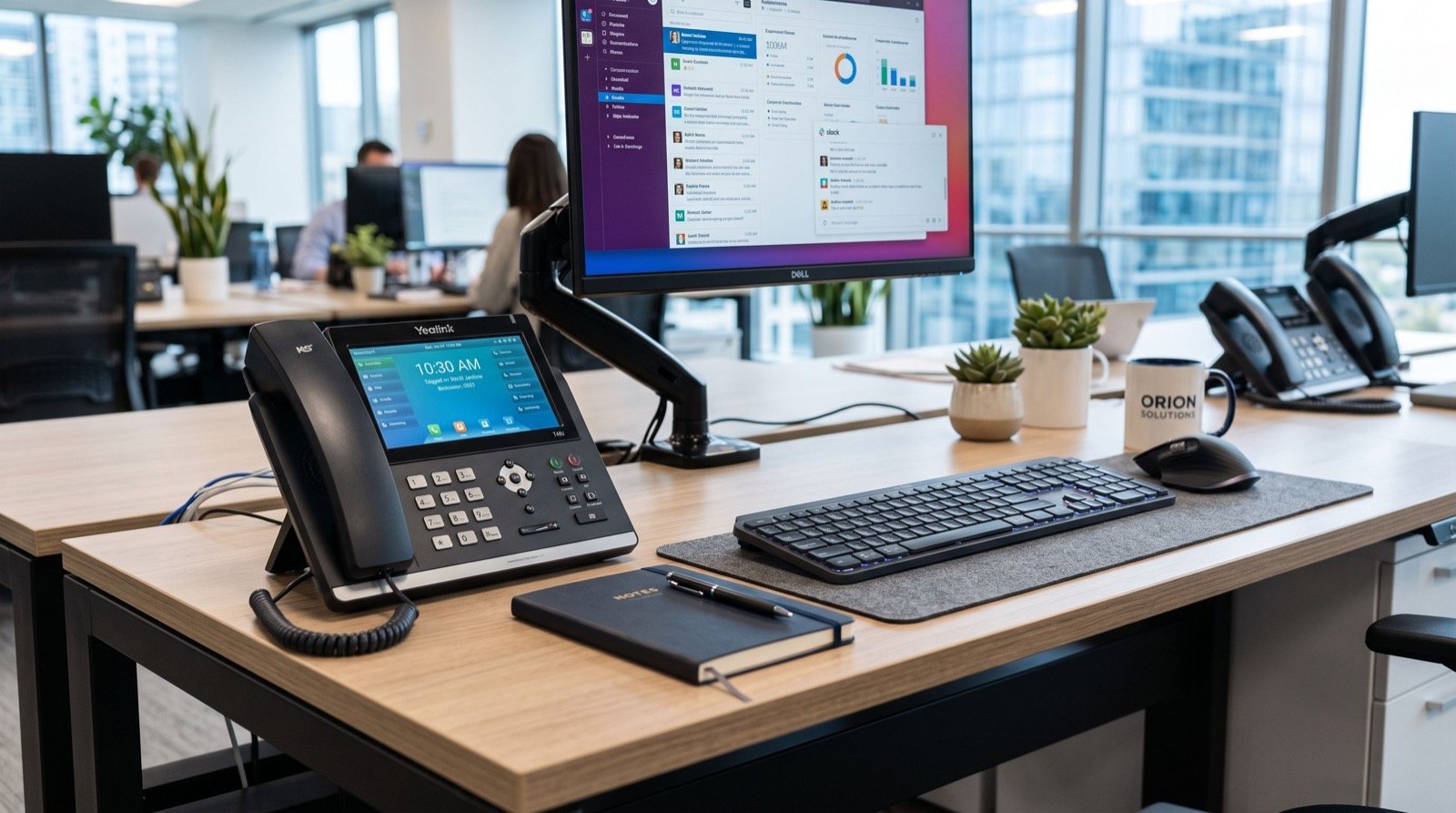
The humble desk phone is growing up. In 2026, the smart video phone is turning the corner of your desk into a face-to-face collaboration hub, blending crisp voice, HD video, and Android-style apps into a single device. For hybrid teams juggling remote colleagues and in-office clients, this shift is quietly reshaping how work conversations happen.
This article explains what a smart video phone really is, where it beats both a voice-only handset and a laptop webcam, and how to decide whether your business is ready. We will compare a flagship video unit with a premium voice phone and answer the questions buyers raise most often.
What makes a smart video phone different
A smart video phone is more than a handset with a camera. It runs a full operating system, supports touch interaction, integrates video conferencing, and often opens the door to business apps directly on the device. The call is no longer just audio; it is a visual, interactive session that starts with one tap.
Video calling at this quality depends on efficient compression. Modern units lean on standards such as the ITU-T H.264 video codec, which keeps picture quality high while using bandwidth responsibly, so a face-to-face call does not choke the office connection.
Why video at the desk beats the laptop webcam
- Always ready: no app launch, no login, no “can you see me now” fumbling.
- Dedicated optics: a purpose-built camera and mic outperform a thin laptop lid.
- No resource drain: video runs on the phone, leaving your PC free for real work.
- Professional framing: a fixed desk unit gives a stable, flattering angle every time.
Flagship video phone vs premium voice phone
Choosing between a top video device and a top voice device comes down to how often you actually need a face on the screen. The Fanvil V67 Flagship Smart Video Phone leads with a large touchscreen and integrated video, while the Fanvil V61G Prime Business Phone delivers a premium voice experience for heavy callers who rarely need video.
| Capability | V67 Smart Video | V61G Prime (voice) |
|---|---|---|
| Primary mode | Video + voice | Voice-first |
| Interface | Large touchscreen | Display + keys |
| Camera | Integrated HD camera | Not video-focused |
| Apps | Smart app support | Core telephony |
| Best for | Hybrid, client-facing | High-volume callers |
Neither is “better” in the abstract. A customer-success lead who does daily video check-ins wants the V67; a dispatcher fielding 200 voice calls a day wants the V61G Prime. Buy for the behaviour, not the brochure.
Is a smart video phone worth it for your team?
Ask how your conversations actually happen. If a meaningful share involve screen-sharing, client demos, or remote colleagues, video at the desk pays off fast. If almost everything is quick voice coordination, a premium voice phone is the smarter spend.
- Audit a typical week of calls and tag each as voice-only or video-worthy.
- Identify the roles where video would genuinely improve outcomes.
- Pilot one smart video phone with a willing power user for two weeks.
- Measure whether meetings got shorter, clearer, or more frequent.
- Scale to the roles that showed a real benefit, not the whole office.
One original insight from rollouts: video phones succeed where they replace a clunky meeting-room booking, not where they duplicate a tool people already like. Target the friction, and adoption follows.
Network readiness for video
Video is hungrier than voice, so confirm your upload bandwidth and QoS before deploying at scale. Reserve the voice VLAN, prioritise real-time traffic, and test a few concurrent video calls during business hours to see how the network truly behaves under load.
Deployment tips for a smooth launch
Treat smart video phones like small computers. Keep firmware current, enable encryption, and standardise a role-based configuration so every unit behaves predictably. Position each device where lighting is decent, because even the best camera struggles against a bright window behind the user.
For multi-site or multi-floor rollouts, coordinating cabling, power, and provisioning is a project in itself. Engaging reliable local experts to handle staging and cutover keeps your launch calm and your users productive from day one.
Real-world use cases driving adoption in 2026
The clearest wins come from roles where seeing the other person changes the outcome. Customer success teams use desk video to read a client’s reaction during a renewal conversation. Recruiters run quick, warm first interviews without juggling a laptop app. Branch managers hold face-to-face stand-ups with head office in seconds.
Healthcare clinics, education providers, and professional-services firms are also embracing the format. When a conversation benefits from a human face, nameplate, or shared document, a dedicated video device removes the friction that makes people avoid turning their camera on at all.
Perhaps the most underrated benefit is consistency. Because the device is always on and always framed correctly, video stops being a special event and becomes a normal, low-effort way to talk. That shift in habit, more than any single feature, is what makes the investment pay off.
Common mistakes to avoid
- Deploying everywhere at once: start with roles that clearly benefit, then expand.
- Ignoring lighting: a window behind the user ruins even the best camera.
- Skipping the network test: video exposes weak QoS that voice never revealed.
- Forgetting training: five minutes of onboarding dramatically lifts adoption.
Avoiding these traps is mostly about restraint and preparation. Teams that pilot thoughtfully and brief their users almost always report smoother launches than those that ship devices to every desk on day one.
Frequently Asked Questions
Does a smart video phone replace video conferencing software?
It complements it. Many smart video phones join common conferencing platforms, so you get a dedicated device for daily face-to-face calls while still connecting to the tools your partners use.
Do I need a lot of bandwidth for desk video calls?
You need stable upload bandwidth and good QoS more than raw speed. Prioritising real-time traffic ensures video stays smooth even when the office network is busy.
Can a smart video phone also handle normal voice calls?
Yes. A flagship video phone is a full SIP telephone first, so it handles ordinary voice calls exactly like a traditional handset, with video available whenever you need it.
Is a smart video phone secure for business use?
When configured correctly with TLS, SRTP, strong passwords, and current firmware, these devices are enterprise-ready. As with any connected device, disciplined setup is what keeps them safe.
Conclusion
The smart video phone is no gimmick; it is a practical answer to how hybrid teams communicate in 2026. Match the device to real behaviour, pilot before you scale, prepare the network for video, and lean on skilled installers for a clean launch. Put a flagship video unit where faces matter and a premium voice phone where speed matters, and your desk calls will finally keep pace with the way your business works.